
Listening.
Design Lead · making seven audio platforms feel like one effortless way to listen — by voice, on your face.
Design Lead · making seven audio platforms feel like one effortless way to listen — by voice, on your face.
Before voice listening existed, users were already asking the glasses to play music. It was a top-5 assistant request.
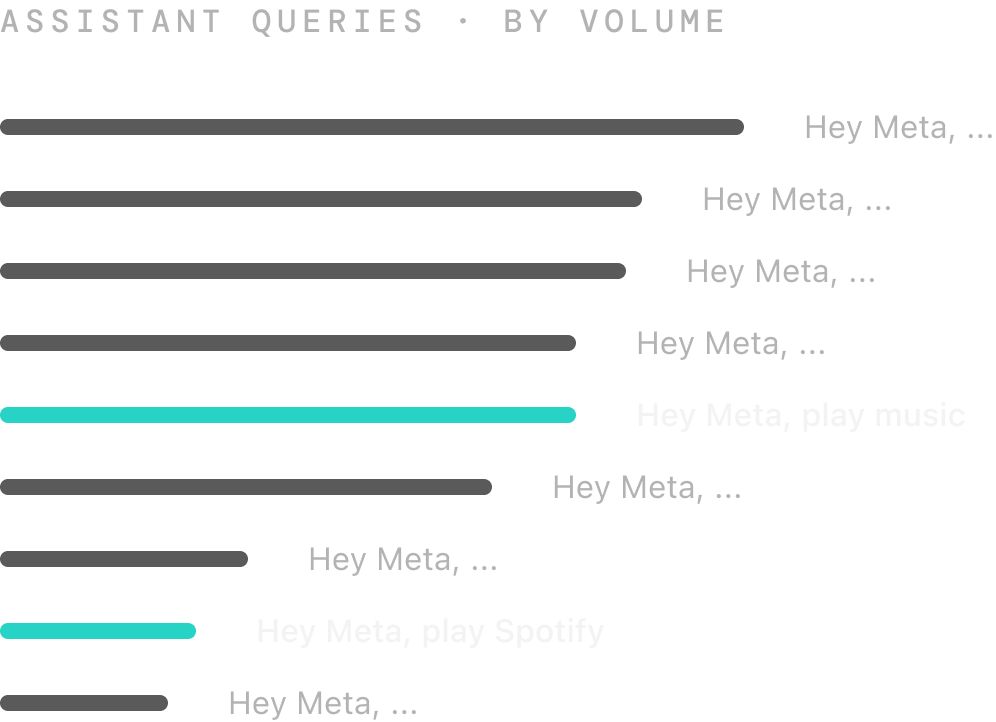
Voice was the primary interaction bet for glasses, not a secondary control.
Listening was already a strong daily behavior, making it the clearest place to build a voice habit.
Spotify proved the model. The goal was a broader audio ecosystem, so more partners kept signing on.






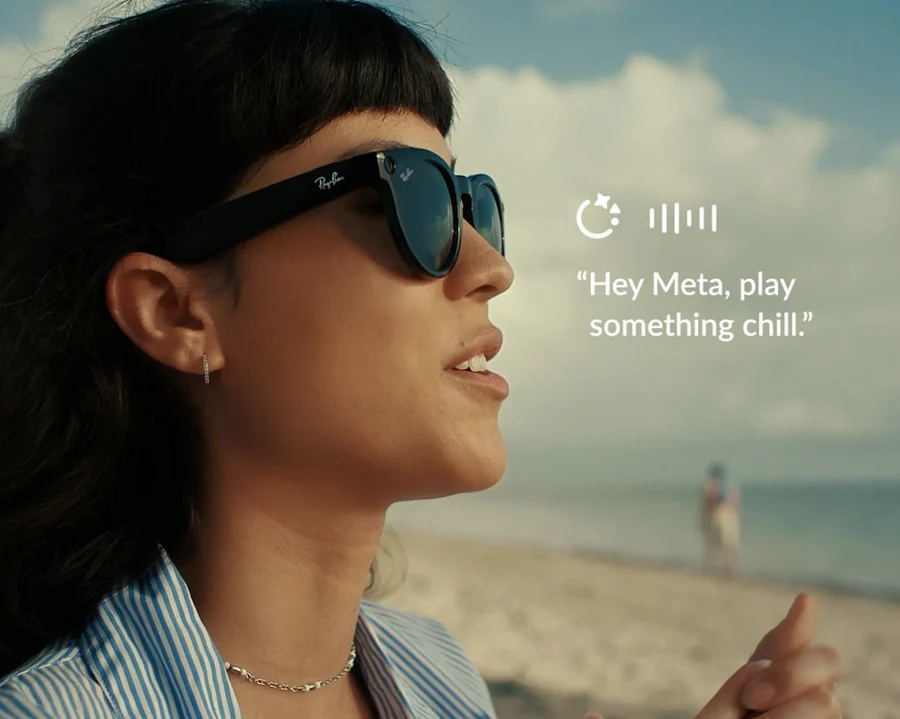
The system went live across the partner ecosystem as part of Meta's AI glasses strategy.
Spotify
Apple Music
Amazon Music
Audible
iHeartRadio
Shazam
Calm
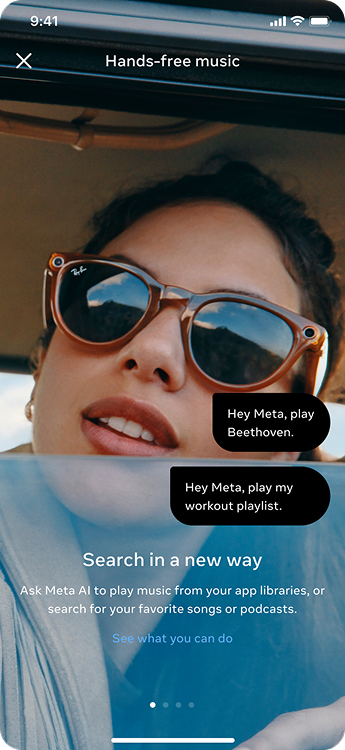
Three decisions shaped voice, memory, and ecosystem complexity into one effortless listening system.
Ray-Ban Meta is not a phone replacement. 70% of glasses were sunglasses, and many listening moments happened outdoors, in motion, or in situations where pulling out a phone breaks the moment. Voice was strongest when it let people keep doing what they were already doing.
What makes voice valuable to users?
Voice starts playback without pulling users out of the activity.
Users can express intent without stopping to search, scroll, or tap.
The glasses can use context a phone cannot easily capture.

Mid-run, the song no longer fits. Reaching for a phone breaks the rhythm.

On the road, the user wants something new, but only has a mood in mind.

At the viewpoint, the scene is beautiful. The user wants music that matches it.
Based on those principles, the work defined the valuable listening intents and the voice commands the system needed to support.
"play · pause · skip · rewind"
"play Taylor Swift"
"play my Daily Calm"
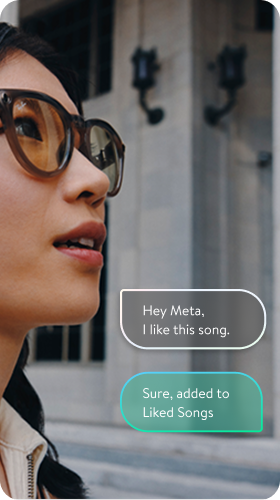
"like this song"
"look and play"
"what's this song?"
"play some chill music"
"play a podcast about history"
"share this song with Kevin"
Voice has no visible button. If users cannot remember what to say, the feature disappears. Commands that did not reinforce the core habit were deprioritized, centering the MVP around one word: play.
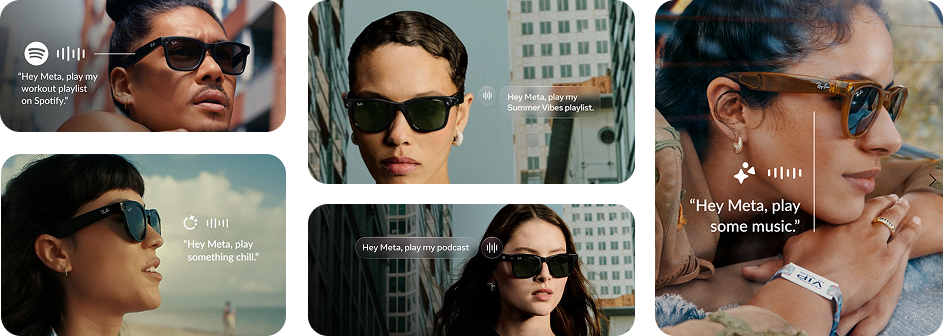
Launch surfaces showed the most useful “play” moments, so users could understand the voice concept before trying it.
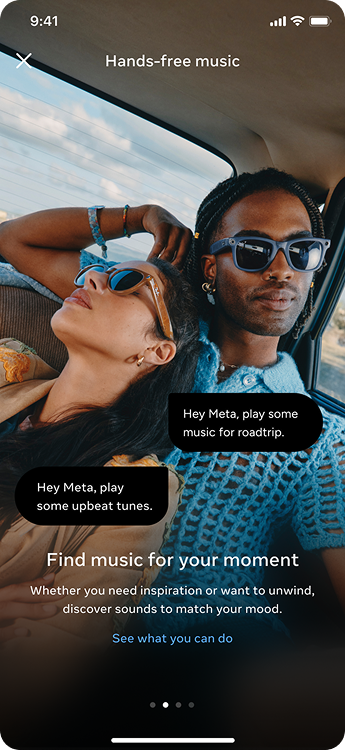
In-product guidance made the voice language visible while the habit was still forming.
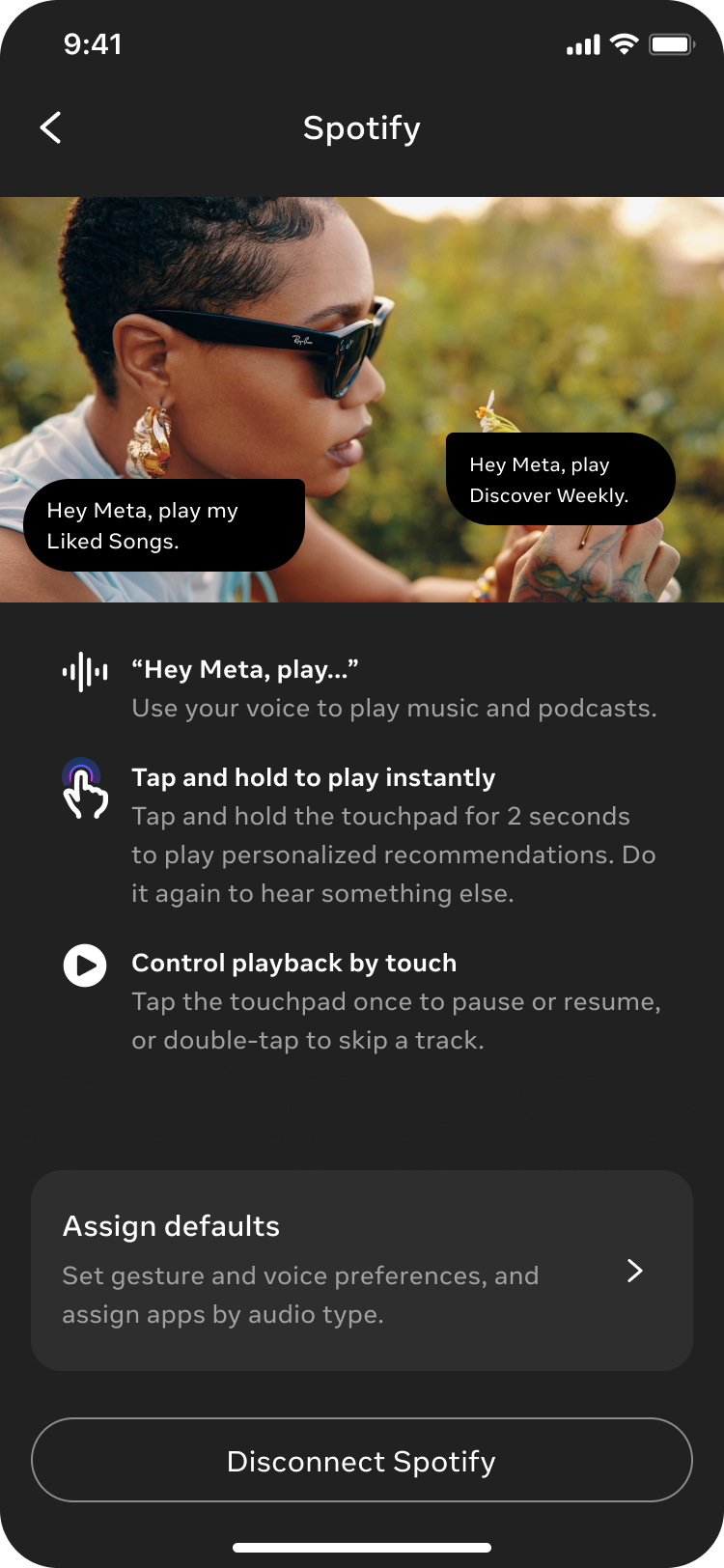
Partner setup became the first lesson in how listening by voice would work.
The work defined both sides of the conversation: what the system should map from a user's phrasing, and how the assistant should respond when playback succeeds, fails, or needs setup. The goal was habit and trust, not just command coverage.
Map different user phrasing to a known playback action.
Use consistent response patterns so users can understand the outcome quickly.
Avoid free-form generation to save time, reduce cost, and keep quality predictable.

Keep experience quality in our hands, not leave it to the model.
As the audio ecosystem grew from one partner to seven, provider choice became a system-level problem: the same “play” request could map to different services, content types, and setup states. With limited PM bandwidth, I stepped in to lead the resolution workstream across design, product, and engineering — defining the default logic, aligning the team, and helping launch the system at Meta Connect.
Each partner covered a different mix of music, podcasts, audiobooks, and radio. Once users connected more than one service, “play” needed a quiet way to choose the right provider.
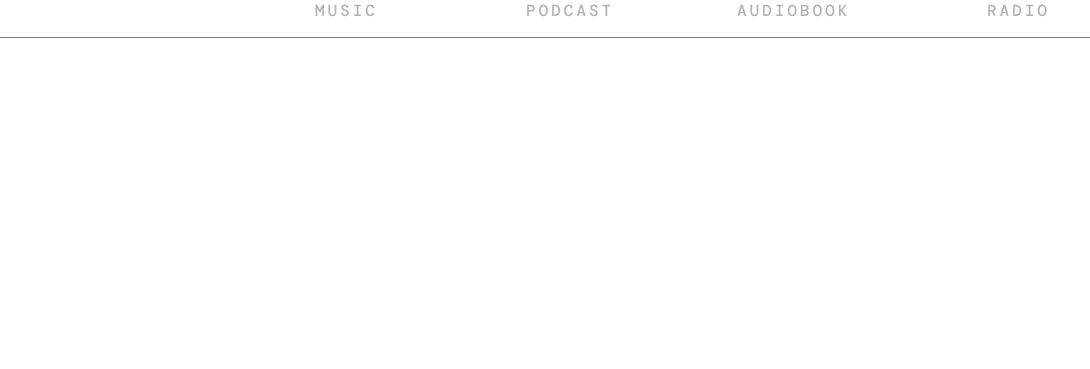
When a user says, “Hey Meta, play music,” and several connected providers can serve it,which one should answer?
Instead of asking users to configure defaults before they understood the ecosystem, I treated the first connected capable provider as an early preference signal. That gave the system a simple rule to resolve ambiguity sooner, while still leaving room for users to change it later.
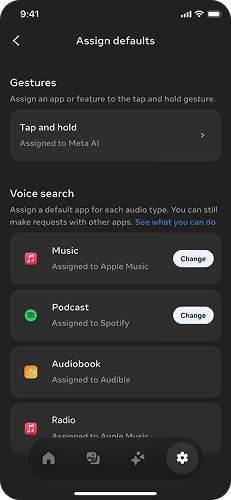
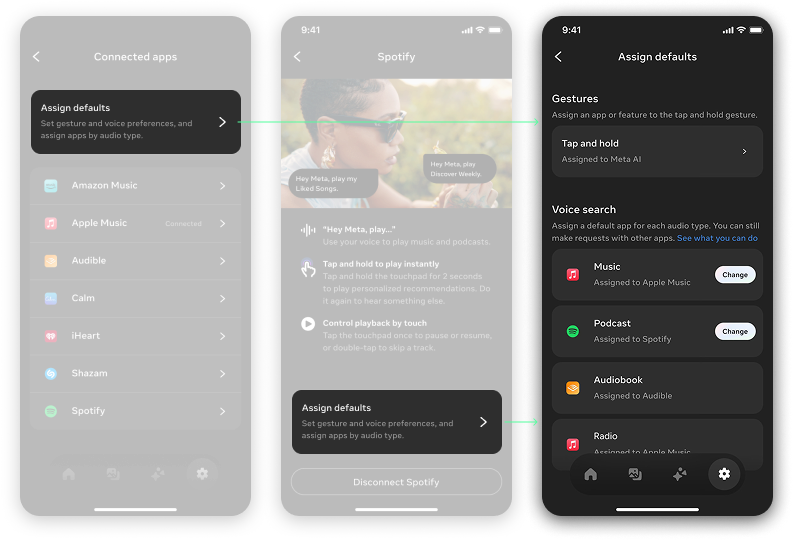
Music, podcast, audiobook, and radio defaults are assigned as users connect partners. Later providers fill empty categories, while overlaps keep the original default unless the user explicitly changes it.
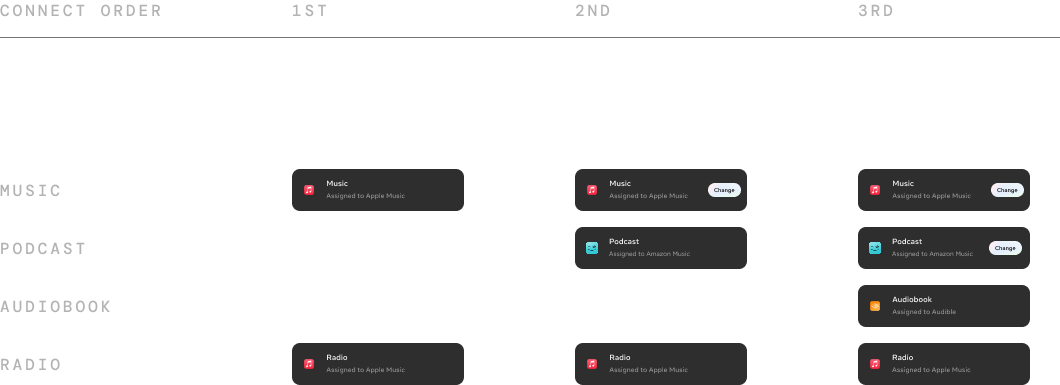
The defaults screen existed for transparency, recovery, and manual changes. But the main experience was designed to resolve ambiguity silently, before users hit a conflict.
Voice listening saw strong early adoption and repeat use, showing it delivered value people came back to. Creators also started using music voice commands across a wide range of everyday scenarios.
All 7 providers went live by Connect. For users with multiple providers connected, the resolution layer usually returned the right provider in the background, while only a small minority ever opened settings to change it.
After MVP adoption, we launched follow-up features from the original use cases and extended listening onto AR glasses.
The complexity was never a single screen. It was making seven platforms feel like one effortless way to listen.